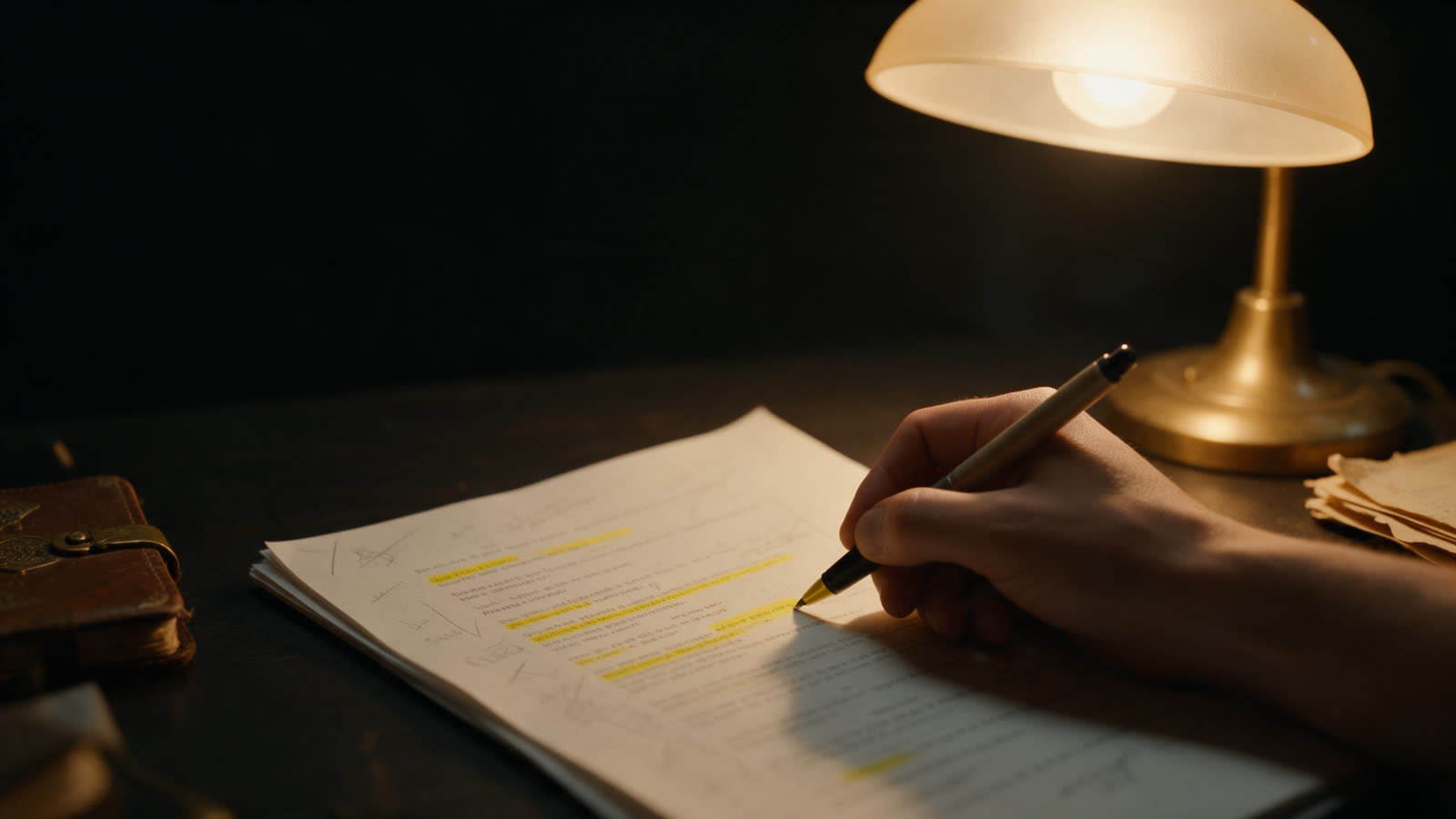
A teleprompter script is not an essay. It is a set of things you are going to say, laid out so your eyes and voice can find their way through it. These are the rules that matter.
1. Write for the ear
Use contractions. Use the word you would say to a friend. Prefer "so" to "consequently" and "buy" to "purchase". After each paragraph, read it aloud. If you stumble, or if it sounds like a document, rewrite it. The goal is that nobody can tell it is written down.
2. Keep sentences short
Under about twenty words is a good limit. Short sentences give you places to breathe, and they stop you running out of air in the middle of a thought. They also give a voice-following teleprompter frequent places to anchor.
3. One idea at a time
Put each idea in its own short paragraph, with a gap between ideas. Your eyes land on the start of a thought rather than the middle of a block of text.
4. Open strong, close clearly
Say who the video is for and what they will get in the first sentence. End with one clear next step. Everything between should be there because the viewer needs it.
5. Write numbers and names the way you say them
"2026" might be "twenty twenty-six" or "two thousand and twenty-six". Spell hard names phonetically if you tend to trip on them, in a note rather than in the text.
6. Mark the delivery
This is the step most people skip, and it is where a flat read becomes a good one. Mark:
- Pauses after a key point or before an answer
- Stress on the one or two words that carry the meaning
- Look-ups where you want to meet the camera
- Sections so you can jump to a part, and see where you are
In TeleprompterThis this takes a few characters: [PAUSE] for a stop, / for a quick breath, [EM]word[/EM] to stress, [SLOW] and [NORMAL] around a slower stretch, [LOOK] to look up, ==text== to highlight a line to land, and # Heading to start a section. Notes in square brackets, such as [SMILE] or [GESTURE: open hands], are shown to you and never read aloud.
A before and after
Here is the opening of a story told at a storytelling night, first as plain text.
The summer I turned seventeen, I got a job singing telegrams. Not the kind you are imagining. I did not get a tuxedo. I got a gorilla suit with a zipper that stuck, and a card that said: Happy birthday, from your friends at Kowalski's Hardware.
Now the same words, marked for delivery:
# The suit
[SMILE] The summer I turned seventeen, I got a job singing telegrams.
[BEAT]
Not the kind you are imagining. I did not get a tuxedo. I got a gorilla suit with a zipper that stuck, / and a card that said: [CHEERY VOICE] Happy birthday, from your friends at Kowalski's Hardware.
[WAIT FOR LAUGH]
The words are identical. What changed is where to smile, where to stop, where to breathe and when to let the laugh land. Read both aloud and you will hear the difference immediately. TeleprompterThis includes this story in both versions as a tutorial.
7. Time it
Read the finished script aloud against a timer. If it runs long, cut the least important section rather than reading faster. For a long talk, add time checks at key points so you know whether you are ahead or behind as you go.
A final check
- Every sentence is short enough to say in one breath
- Each idea has its own paragraph
- You have marked pauses, stress and look-ups
- You have read it aloud, twice, with a timer
Frequently asked questions
How long should a teleprompter script be?
Count on about 130 to 150 spoken words per minute. A two-minute video is roughly 260 to 300 words. Read it aloud with a timer and trim until it fits.
Should I write in full sentences or bullet points?
Full, short sentences are safer for most people because you do not have to invent wording on camera. Bullet points suit experienced speakers who want room to improvise.
How do I make a script sound natural?
Write the way you speak: contractions, short sentences, everyday words. Read it aloud as you write and change anything that makes you stumble.
What should I mark in a teleprompter script?
Pauses, the words you want to stress, where to look at the camera, and section breaks. In TeleprompterThis these are cues in the script itself.